This morning gnome-control-center refused to open. Clicking the icon did nothing - no error, no window, just silence. Here’s the trail of breadcrumbs that led to the fix, in case someone else hits the same thing.
Step 0 - the oldest trick in the book
I tried the oldest debugging method on the planet first: the reboot.
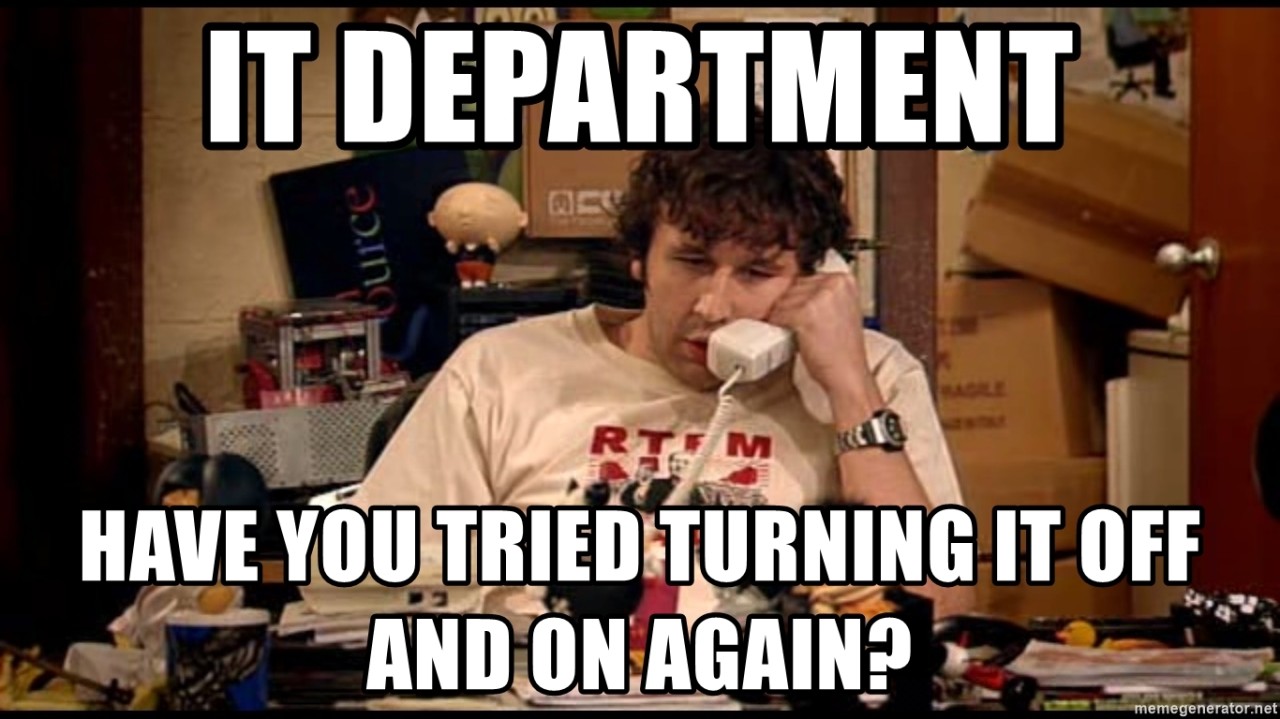
It wasn’t professional, and it didn’t work - but it’s worth ruling out before you go digging.
Step 1 - read the logs
When a GUI app fails silently, the systemd journal almost always knows why. Tail it while reproducing the failure:
sudo journalctl -xf
Then click the icon again. The relevant line jumped out:
Feb 08 21:05:08 mistborn gnome-control-center.desktop[35085]:
  gnome-control-center: error while loading shared libraries:
  /lib64/libgstreamer-1.0.so.0: file too short
file too short means the shared library on disk is truncated - likely a corrupted file rather than a missing one.
Step 2 - find which package owns the broken file
Fedora’s dnf will tell you which package provides a given path:
sudo dnf provides '*/libgstreamer-1.0.so.0'
It pointed at gstreamer1. Reinstalling the package restores the file from the repo’s canonical copy:
sudo dnf reinstall gstreamer1-1.20.0-1.fc35.x86_64
Step 3 - re-run and check for the next error
Try gnome-control-center again, tail the journal again, and look for the next broken thing:
Feb 08 21:07:26 mistborn gnome-control-center.desktop[35938]:
  gnome-control-center: error while loading shared libraries:
  /lib64/libgstpbutils-1.0.so.0: file too short
Same pattern. Same fix:
sudo dnf provides '*/libgstpbutils-1.0.so.0'
sudo dnf reinstall gstreamer1-plugins-base-1.20.0-1.fc35.x86_64
After this, gnome-control-center opened normally.
What probably happened
Two truncated .so files from different (but related) packages, on the same morning, after a recent dnf update - most likely a write that didn’t fully flush before the previous shutdown, or a filesystem hiccup during the update. The fact that both belonged to the GStreamer family suggests they were updated in the same transaction.
If this happens to you more than once, it’s worth running a filesystem check (fsck on the relevant partition from a live USB) and reviewing your shutdown behavior.
The general method
This same three-step loop works for almost any “GUI app silently dies” problem on a Linux box:
- Reproduce while tailing
journalctl -xf- let the OS tell you what failed. - Translate the error into a package -
dnf provides,rpm -qf,dpkg -S, orpacman -Qodepending on your distro. - Reinstall the package - fastest fix when the binary or library on disk is corrupt; doesn’t risk pulling in unrelated changes the way a full upgrade might.
Save 20 minutes of forum diving the next time you hit something similar.